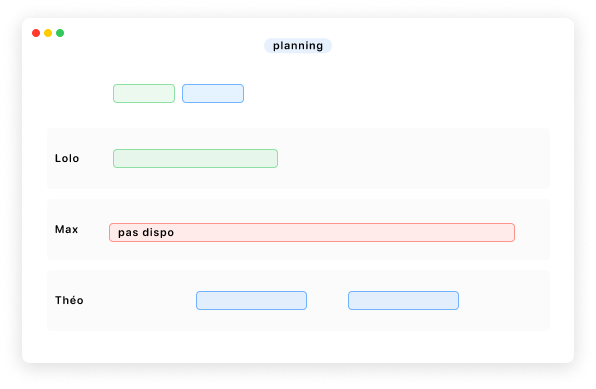
Get productive with a visual schedule that moves fast
Create your activity templates and place sessions on the schedule with simple drag and drop. Copy activities in bulk across several days to plan a season in record time.
A time change? A customer switching activities? No problem—everything is handled with drag and drop too.
Bulk editing avoids back-and-forth when a whole series of activities needs the same adjustment.
An activity postponed because of the weather? Easy! Put the activity and its bookings on hold, then drop them back on the schedule in one action.
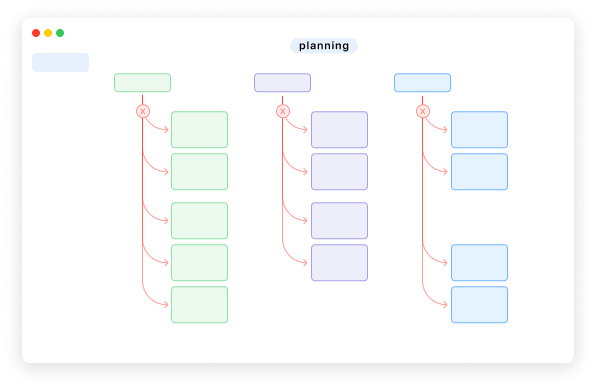
Your schedule adapts to you, not the other way around
The schedule supports several views: list, day, week, or month. Switch between display by resources or categories, in a vertical or horizontal layout depending on what you need to read first. Combine filters (resources, categories, availability, status) with free-text search to isolate exactly the slot or series you care about.
Event cards are highly configurable: activity details, color coding, availability, resources, participants, with payment and form completion indicators when you need to decide at a glance.
You also frame the time grid by defining the start and end of day shown on the schedule so it reflects your real operation (short mornings, long evenings, split slots).
Save your favorite views to access them in one click.
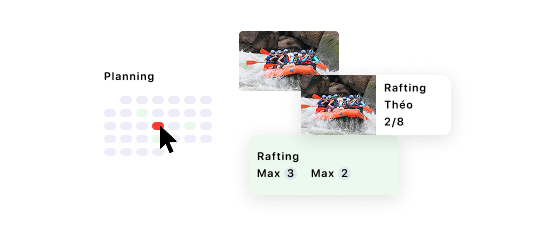
Smoother operations, less friction
Resource availability on the schedule reduces overbooking and makes planning easier.
ICS support lets you sync Activiteez with your personal calendars.
In short: a well-configured Activiteez shared schedule means fewer assignment mistakes, less time reconciling information, and more visibility for your team and customers on what is actually planned.