
Collect payment with multiple methods
Beginner 5 minUpdated 9 June 2026
When a sale is first recorded on the customer account (Customer debit), the amount is not collected immediately. You can then split collection across several payment methods from the short ticket.
Note — This guide covers splitting by payment method (cash + card, etc.) via the short ticket Payment button. For the Multi… button at ticket validation (split payment or multi-currency), see What is the Multi… button for at the point of sale?.
The short ticket summarizes the order (lines, totals, NF525 mentions when applicable) and offers Print, Send, Payment, and Invoice. The Payment button opens payment entry.
Procedure
- Check that the register is open and a customer is selected (required for Customer debit).
- Build the ticket (items, quantities, prices, VAT).
- Confirm with Customer debit (not Cash or Card directly).
- Check that the transaction appears in the day journal.
- Click the ticket number in the list to open the short ticket.
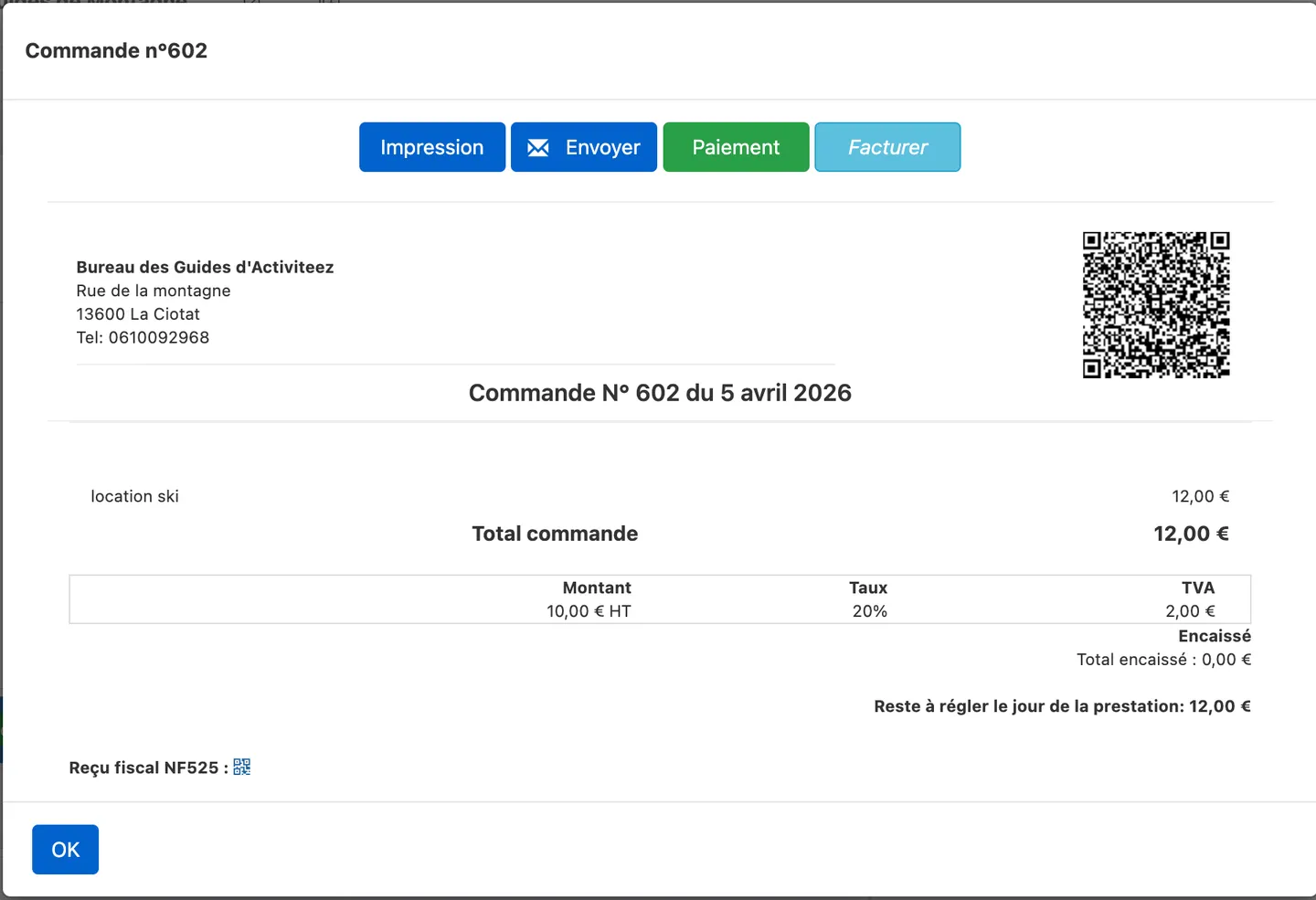
- Click Payment.
- Enter amounts for each payment method until the balance is covered.
- Click Close to leave the payment screen.
Common issues
- Customer debit greyed out: no customer selected or insufficient permissions.
- Ticket not accessible: click the order’s numeric ID.
To invoice this ticket afterward, see Invoice a ticket and send it by email.
