
Enable NF525 compliance
Before enabling NF525 compliance, make sure the following prerequisites are met:
1. Cash register module enabled
Your Activiteez plan or options must include the cash register module (access to Cash register screens). Without it, the NF525 activation flow is not offered in the same way.
2. Financial profile with VAT
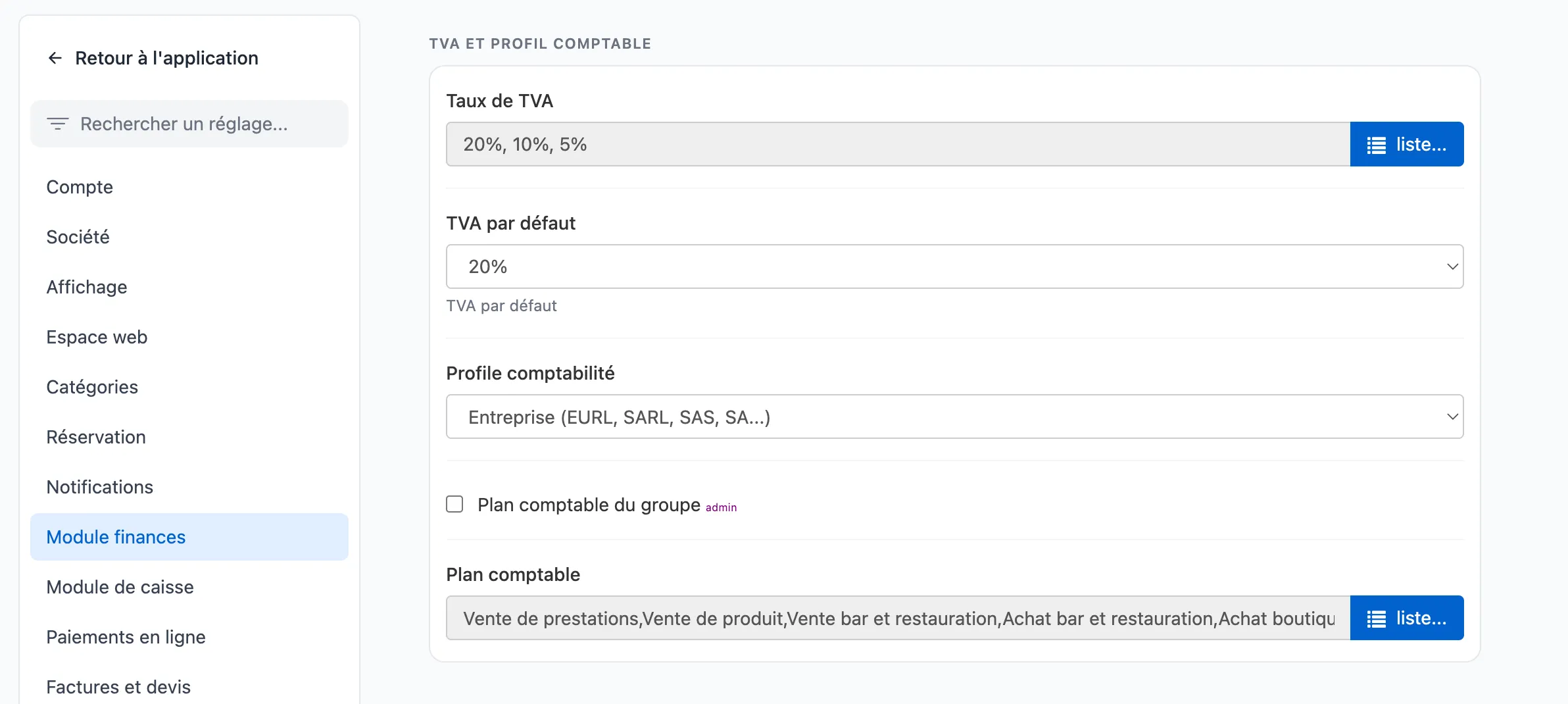
The account must be set up for VAT management (Settings → Finance module: VAT rates, default VAT, accounting profile, chart of accounts, etc.).
3. Required data completed
In Settings → Company (and Finance module for payment types), complete at least:
- NAF / APE code;
- EU VAT number;
- establishment identity (SIRET, legal name, full address, etc.);
- payment types (list of payment methods used at the register);
- for each payment method: Cash register and Cash checkboxes according to your usage (cash, card, cheque, etc.).
The interface may block activation while some fields are empty (e.g. NAF, EU VAT number).
4. Sufficient permissions
Only users with Preferences administration can enable NF525 — see Cash register permissions and rights.
Activation procedure
- Open Settings → Finance module.
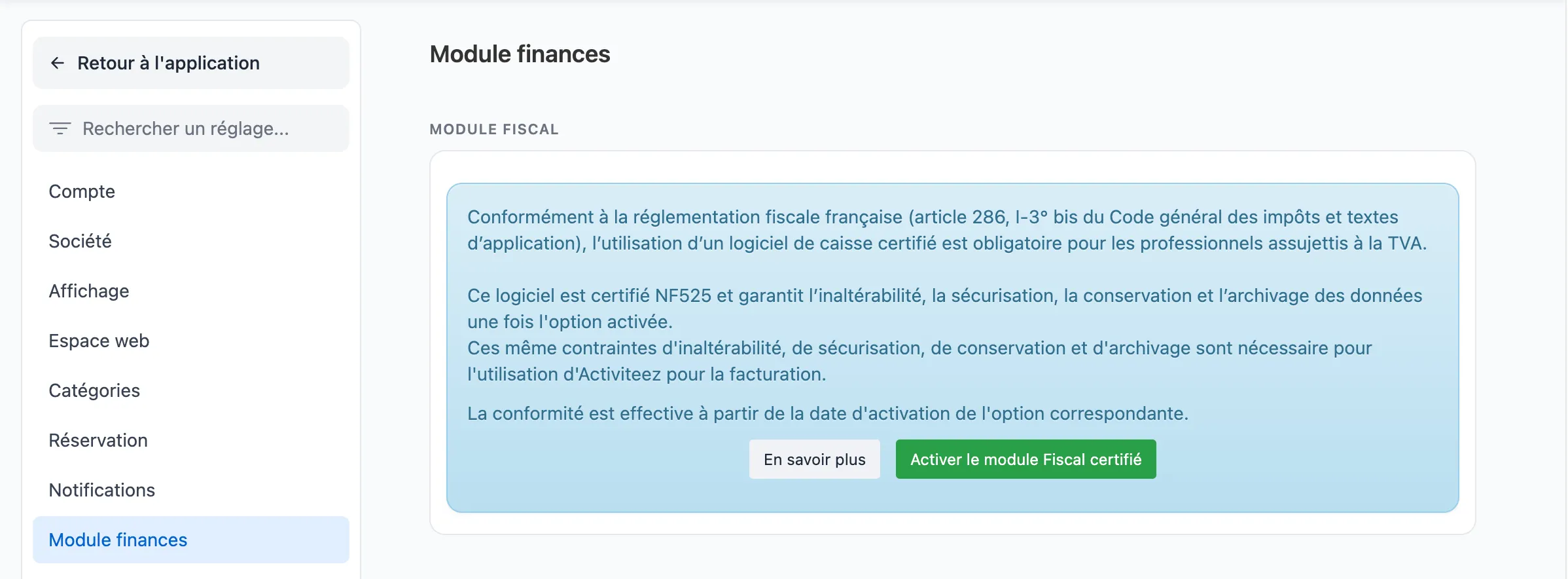
- In the Fiscal module card, click Enable NF525 compliance, then confirm permanent activation.
- Leave via Back to application (and Save and return if a dialog appears).
A complementary guide (legal obligation, interface prerequisites) is also available on activiteez.com. This content does not replace personalized tax advice.
